How to Use Roomba to Work on Carpet Effectively
To clean your carpet effectively with Roomba, start by clearing small objects and making sure the carpet is dry. These simple steps help the Roomba move smoothly without interruptions.
Using virtual walls is a smart move—they block off delicate areas and let you create focused cleaning zones for better results.
Make sure your Roomba is fully charged before starting, and schedule cleaning sessions during times when you’re not in a rush.
Turning on the highest suction mode is key for reaching deep into carpet fibers.
Don’t forget to maintain the brushes regularly to avoid buildup and keep the Roomba working at its best.
Roomba is great at navigating under furniture, as long as there’s enough clearance.
It also cleans well along edges, making sure no spot is missed.
Stick with these tips, and you’ll find even more ways to get the most out of your carpet cleaning routine.
Key Takeaways
- Clear small objects and make sure the carpet is dry. This helps prevent obstructions and boosts Roomba’s suction power.
- Activate virtual walls at doorways to keep Roomba away from delicate or uneven carpet areas. This way, you can focus on cleaning the spots that need it most.
- Use the highest cleaning power or “Carpet” mode when dealing with high-pile or dense carpets. It gives a deeper clean and gets rid of embedded dirt better.
- Always fully charge Roomba before starting. Plus, schedule regular cleaning sessions to keep your carpet looking fresh and clean all the time.
- Don’t forget to regularly clean and check the brushes, rubber rollers, and virtual wall batteries. Keeping these in good shape ensures Roomba works effectively without interruptions.
Prepare Your Carpet and Room for Roomba Cleaning
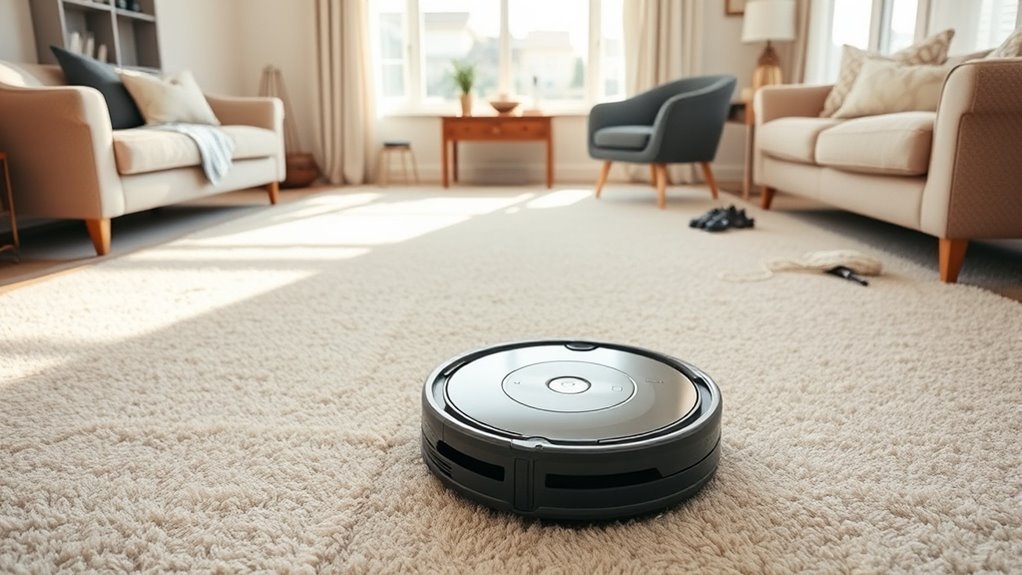
Before you start Roomba cleaning, make sure to clear your carpet of small objects, cords, and loose items to prevent any obstructions. Carpet cleaning works best when the surface is free from larger debris, so vacuum or sweep before running your Roomba to enhance its suction efficiency.
Also, confirm your carpet is dry and not overly dusty or moist. This protects your Roomba’s components and helps it perform at its best.
Adjust virtual wall devices to block off delicate or uneven carpet sections, preventing damage. And don’t forget to arrange your room by moving lightweight furniture so the Roomba can access all carpeted areas easily.
Preparing your carpet and room this way ensures your Roomba cleaning session is smooth and effective every time.
Start and Schedule Roomba Cleaning
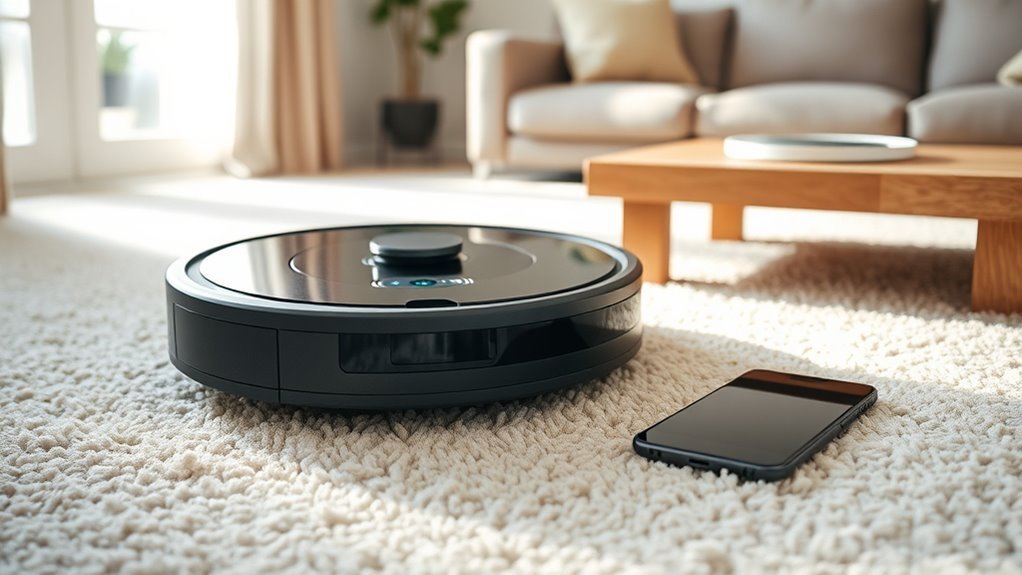
To start cleaning, just press the “Clean” button or use your remote control to get Roomba going.
You can also set a schedule by pressing the “SCHEDULE” button and choosing the days and times that work for you.
Before you begin, make sure Roomba is charged and the area is clear to guarantee smooth operation.
Starting Roomba Cleaning
How do you get your Roomba started for a thorough carpet cleaning? Simply press the Clean button on your Roomba or use its remote control to launch a manual cleaning session.
Before you begin, make sure your Roomba is properly docked and fully charged to avoid interruptions. Position virtual wall devices strategically to block off areas you want your Roomba to avoid or focus on, ensuring efficient cleaning coverage.
Starting your Roomba this way lets you tackle carpet spots whenever you need. For ongoing maintenance, you might want to explore scheduling automatic cleanings later, but for now, just pressing Clean gets your Roomba moving promptly and effectively.
This helps keep your carpets fresh and debris-free. Easy, right?
Scheduling Automatic Cleaning
When do you want your Roomba to tackle your carpets automatically? Scheduling automatic cleaning lets you keep your carpets fresh without lifting a finger.
Start by pressing the SCHEDULE button on your Roomba to set specific days and times. Before scheduling, make sure your Roomba is fully charged and clean for peak performance.
You can also use the remote control or the iRobot app to fine-tune the schedule, especially if you want it to focus on carpeted areas.
Remember to check these three key points regularly:
- Confirm your cleaning schedule aligns with household routines.
- Adjust virtual wall placements to keep Roomba on carpets only.
- Keep Roomba charged and clean to avoid interruptions.
Understand Roomba’s Brushes and Suction on Carpets
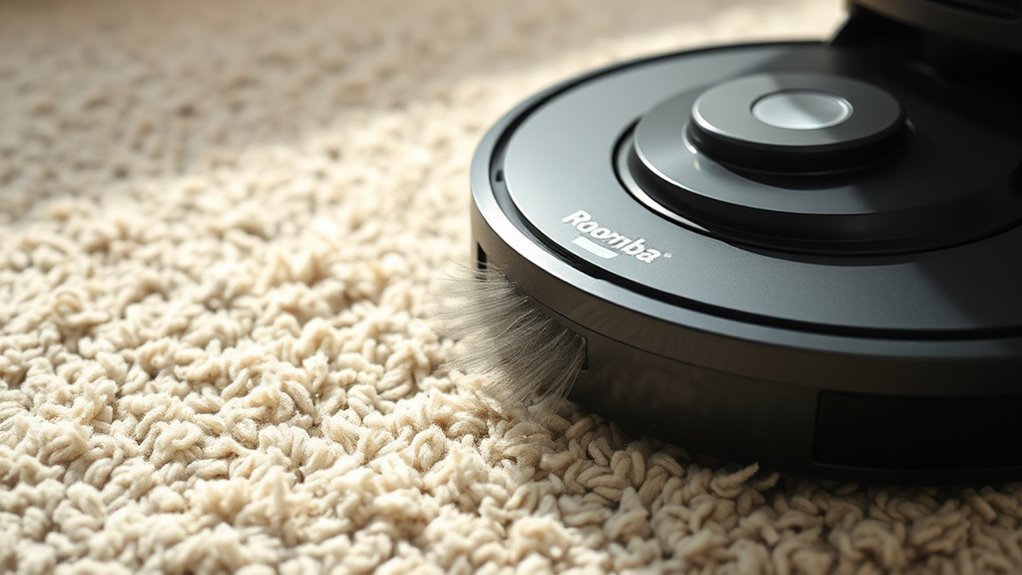
You’ll notice Roomba uses two rotating rubber brushes that work together to loosen dirt embedded in your carpet fibers. Its powerful suction then lifts debris and pet hair from deep within the carpet.
Understanding how these brushes and suction function helps you get the best cleaning results. It’s pretty cool how they team up to keep your carpets looking fresh and clean!
Brush Types And Functions
Although carpets can trap dirt deeply, Roomba’s brush system tackles this challenge head-on. You’ll find two main brush types working together: two rotating rubber rollers and a spinning brush underneath.
These components are specially designed to loosen and lift dirt from carpet fibers, making cleaning more effective.
Here’s how each brush type functions on carpets:
- The rubber rollers adapt to carpet fibers, lifting embedded dirt without damaging the fabric.
- The spinning brush agitates the surface, dislodging debris stuck on top.
- Together, these brushes prepare dirt for Roomba’s suction, enhancing overall cleaning performance.
To keep your Roomba efficient, regularly maintain these brushes. Carpets tend to hold debris tightly in their fibers, so it’s important to stay on top of it.
Suction Power On Carpets
Because carpets vary in thickness and texture, Roomba’s suction power adjusts automatically to match the surface. This ensures deep dirt and debris get lifted effectively.
The Roomba 880 uses an accelerated suction system combined with dual rubber rollers that maintain contact with carpet fibers. This setup maximizes debris collection.
Its spinning brush agitates the carpet pile, loosening dirt so the suction can capture it. Keeping brushes and filters clean helps preserve this suction power. So, maintenance is key for optimal performance.
| Feature | Benefit |
|---|---|
| Accelerated suction | Lifts deep dirt efficiently |
| Dual rubber rollers | Maintains contact on carpets |
| Spinning brush | Dislodges embedded dirt |
| Dynamic suction | Adapts to carpet height automatically |
Optimize Roomba for High-Pile Carpets
When tackling high-pile carpets, setting your Roomba 880 to its highest cleaning power mode guarantees it lifts dirt and debris effectively from deep within the fibers. To optimize your Roomba’s performance, follow these key steps:
First, clear the area of loose cords and small objects to prevent tangling or blockage during cleaning. It really helps keep things running smoothly. Next, regularly clean the spinning brush and rubber rollers to maintain strong suction and brushing on dense carpet fibers.
Also, use virtual walls or set designated zones to focus cleaning on high-pile areas and avoid wandering onto less suitable surfaces. This way, your Roomba stays where it’s needed most.
Additionally, schedule frequent cleaning cycles to keep your carpet free from embedded dirt and pet hair. That way, your Roomba consistently delivers top-notch results every time.
Troubleshoot Roomba Carpet Issues
If your Roomba isn’t cleaning carpets as effectively as it should, start by checking its brushes and filters for hair and debris buildup. Clean these parts regularly to maintain maximum suction and dirt pickup.
Next, make sure you’re using the “Carpet” cleaning mode or increase the suction power if your model allows it for deeper fiber cleaning. Check virtual walls or boundary settings to ensure your Roomba isn’t avoiding or getting stuck on thick carpet areas.
Also, inspect rubber rollers and brushes for wear, replacing them when necessary to improve efficiency. Finally, schedule frequent cleaning sessions to prevent dirt buildup and keep your Roomba performing consistently well on carpets.
Following these steps will help you troubleshoot and resolve common carpet cleaning issues quickly. It’s easier than you might think!
Maintain the Debris Cartridge
Along with keeping your brushes and filters clean, maintaining the debris cartridge plays a key role in your Roomba’s carpet performance. To keep your Roomba running efficiently on carpets, you need to:
Maintaining the debris cartridge is essential for optimal carpet cleaning and overall Roomba efficiency.
- Regularly empty the debris cartridge by pressing the release button and disposing of the contents in the trash.
- Clean the filter inside the cartridge periodically to maintain suction power and prevent clogs.
- Make certain the cartridge is properly seated after maintenance to avoid dust leaks and motor strain.
If you notice any damage to the cartridge or a drop in cleaning performance, replace it promptly. Staying on top of these steps ensures your Roomba handles carpet debris effectively.
This way, your floors stay clean and your device keeps running smoothly.
Set Up Roomba Virtual Walls for Carpet Zones
To keep your Roomba focused on carpeted areas, you can set up virtual walls that block or guide its path effectively. Place these devices at doorways or entrances to carpet zones you want to restrict Roomba from entering.
Make certain the virtual walls face inward toward the carpet, creating a clear barrier that Roomba detects and respects. Activate the virtual walls before starting your cleaning cycle to isolate carpeted zones efficiently.
Use the “wall” mode to block access or the “lighthouse” mode to direct Roomba into specific carpet areas. Don’t forget to check the virtual walls’ batteries regularly and replace them as needed to guarantee consistent zone control during each cleaning session.
This setup helps maximize Roomba’s carpet cleaning performance. It’s a simple way to keep your robot working where it’s needed most!
How Roomba Navigates Under Furniture and Along Edges
When Roomba encounters furniture, it uses its compact design and advanced sensors to navigate tight spaces and clean effectively underneath. It maneuvers under furniture with at least 4 inches of clearance, adapting to different surface heights to guarantee thorough cleaning.
Roomba starts with a spiraling pattern to cover open areas, then follows walls and furniture edges to pick up debris efficiently. Its spinning brushes and rubber rollers target dirt along edges and beneath objects without getting stuck.
Roomba spirals through open spaces, then hugs edges with brushes and rollers to clean debris without getting stuck.
Here’s how Roomba handles these challenges:
- Detects obstacles and avoids getting trapped using sensors
- Adjusts to varying furniture heights for consistent cleaning
- Cleans along edges and underneath using specialized brushes
This smart navigation ensures your carpets stay spotless, even in hard-to-reach spots. Pretty clever, right?
Maximize Roomba’s Battery Life for Longer Carpet Cleaning
Although Roomba is designed for efficient cleaning, you’ll get the best results on your carpets by keeping its battery in prime shape. Start by ensuring the battery is fully charged before each session to maximize runtime.
Clean the charging and battery contacts regularly to maintain ideal charging efficiency. Use the scheduled cleaning feature to have Roomba run when the battery performs best, avoiding peak usage times.
Don’t run Roomba on carpets loaded with excessive dirt or debris, as this drains the battery faster. If you notice significant drops in cleaning time, consider replacing the battery to restore longer sessions.
These simple steps help you extend your Roomba’s battery life and keep your carpets cleaner for longer periods. It’s all about a little care and smart usage!
Frequently Asked Questions
Does the Roomba Work on Carpet?
Yes, your Roomba works well on carpet. It uses strong suction and rotating brushes to lift dirt and pet hair.
You’ll see it adapt to different carpet types, keeping your floors cleaner with regular use. It’s pretty handy for staying on top of messes without much effort.
What Is the Best Way to Deep Clean My Carpet Myself?
You know what they say: slow and steady wins the race. Start by vacuuming thoroughly, then apply a suitable carpet cleaner.
After that, use your Roomba with multiple passes. Don’t forget to clean its brushes for the best deep clean results. It really makes a difference!
What Is a Disadvantage of Using a Roomba?
A disadvantage of using a Roomba is that it can get stuck on thick carpets and struggle with deep cleaning. You’ll also find its battery drains faster on dense areas, and brushes may tangle in long fibers.
It’s kind of annoying when it stops working because of these issues, right? But, on the bright side, it still does a decent job for everyday messes.
How to Use Roomba on Different Floors?
Want to clean multiple floors with your Roomba? Simply carry it to each floor.
Set up virtual walls to limit areas, and schedule cleanings per floor. It’s pretty straightforward!
Don’t forget to clear obstacles and empty the bin regularly. That way, your Roomba works its best every time.
Conclusion
To get the most out of your Roomba on carpets, preparation and proper maintenance are key. Did you know Roomba can remove up to 99% of pet hair from carpets? By scheduling regular cleanings, you keep your carpet looking fresh and free of debris.
Optimizing settings for high-pile carpets makes a big difference too. Plus, setting virtual walls helps Roomba focus on the areas that need it most. It’s all about making the cleaning process efficient and thorough.
Don’t forget to keep your Roomba’s brushes and battery in top shape. Regular upkeep means your Roomba will keep performing at its best. With a well-maintained Roomba and these handy tips, you’ll enjoy a consistently fresh, carpeted home with minimal effort. Using Roomba effectively on your carpet ensures deep cleaning, extends your carpet’s life, and saves you time and energy.